
Mickey Clubhouse Birthday Website Template | Editable Canva Kids Party Invitation with RSVP & Countdown
$13.60$24.73


Celebrate a fun and spooky birthday with this Mickey Mouse Halloween Birthday Website Template! This editable Canva birthday website is perfect for a Halloween-themed kids birthday party, featuring an interactive design with music, an embedded RSVP form, countdown timer, gift registry, photo section, location button, and Save the Date section. Simply edit the template in Canva, personalize your party details, publish your website, and share the link with your guests. ━━━━━━━━━━━━━━━━━━━━━━ WHAT YOU'LL RECEIVE • Editable Birthday Website Template • Easy-to-edit Canva template • Music integration • Embedded RSVP form • Live Countdown Timer • Gift Registry section • Photo section • Personalized party details • Google Maps location button • Save the Date section • Mobile-friendly design • Step-by-step Canva editing guide • Instant digital download ━━━━━━━━━━━━━━━━━━━━━━ PERFECT FOR • Halloween Birthday Party • Spooky Birthday Party • Halloween Kids Birthday • October Birthday • Not-So-Scary Halloween Party • Kids Halloween Party • Halloween Digital Invitation • Interactive Birthday Website • Online Birthday Invitation • Canva Birthday Template ━━━━━━━━━━━━━━━━━━━━━━ HOW IT WORKS 1. Purchase the template. 2. Open the Canva template. 3. Personalize your birthday party details. 4. Publish your website. 5. Share the website link with your guests. ━━━━━━━━━━━━━━━━━━━━━━ PLEASE NOTE • Digital download only. • No physical item will be shipped. • Graphics and artwork are not editable. • Personal use only. • Colors may vary slightly depending on screen settings.
Your guests open one link with the story, event details, RSVP, gallery and directions. Everything looks great on a phone.
Open full screen demoSome interactive features like the RSVP form only work in the full demo. Open it here
Still unsure about something? The Joyva assistant is one click away.
You will receive instant access to your editable Canva website template along with detailed instructions on how to customize and publish it.
No. All templates are designed to work with a free Canva account.
Yes. Once added to your Canva account, you can edit it as often as needed.
Absolutely. You can upload your own photos and replace any existing images in the template.
Sign in to Invitarium first, then open Sarah's shared project and make your copy. Double-click the music-player project, replace the audio with an MP3 under 20 MB, and choose Copy link. In Canva, select the music icon, choose Edit link, paste the finished player link, then scale it down to fit the circle.
Select the hidden YouTube frame and increase its transparency so you can see it. Click an empty area so no other element is selected, then paste your YouTube link into the hidden video frame. Canva should embed the video, not add a regular hyperlink. Resize it until its play button sits over the decorative play button, then return its transparency to 0%.
No. Canva websites currently only allow music to play after a visitor clicks the play button.
If you're using a Canva form: Click the form on the Canva editing page, and a horizontal menu will appear at the top with the "Responses" option. You can click it to track all responses there, with the ability to link to a sheet. On mobile, this horizontal menu will be at the bottom.\n\nIf you're using a Google Form: On the same form editing page, you can find the "Responses" tab at the top middle. You can also enable email notifications by clicking on this tab, then the three dots, then enabling email notifications.
Mickey Clubhouse Birthday Website Template | Editable Canva Kids Party Invitation with RSVP & Countdown

Halloween Birthday Invitation Website | Baby Girl Boy Fall Ghost Birthday Invite | Editable Canva Website with RSVP | Spooky Birthday Purple
Ms. Rachel Birthday invitation Website Template | Editable Girls Birthday Invitation with RSVP music | Pink Kids Party | First Birthday
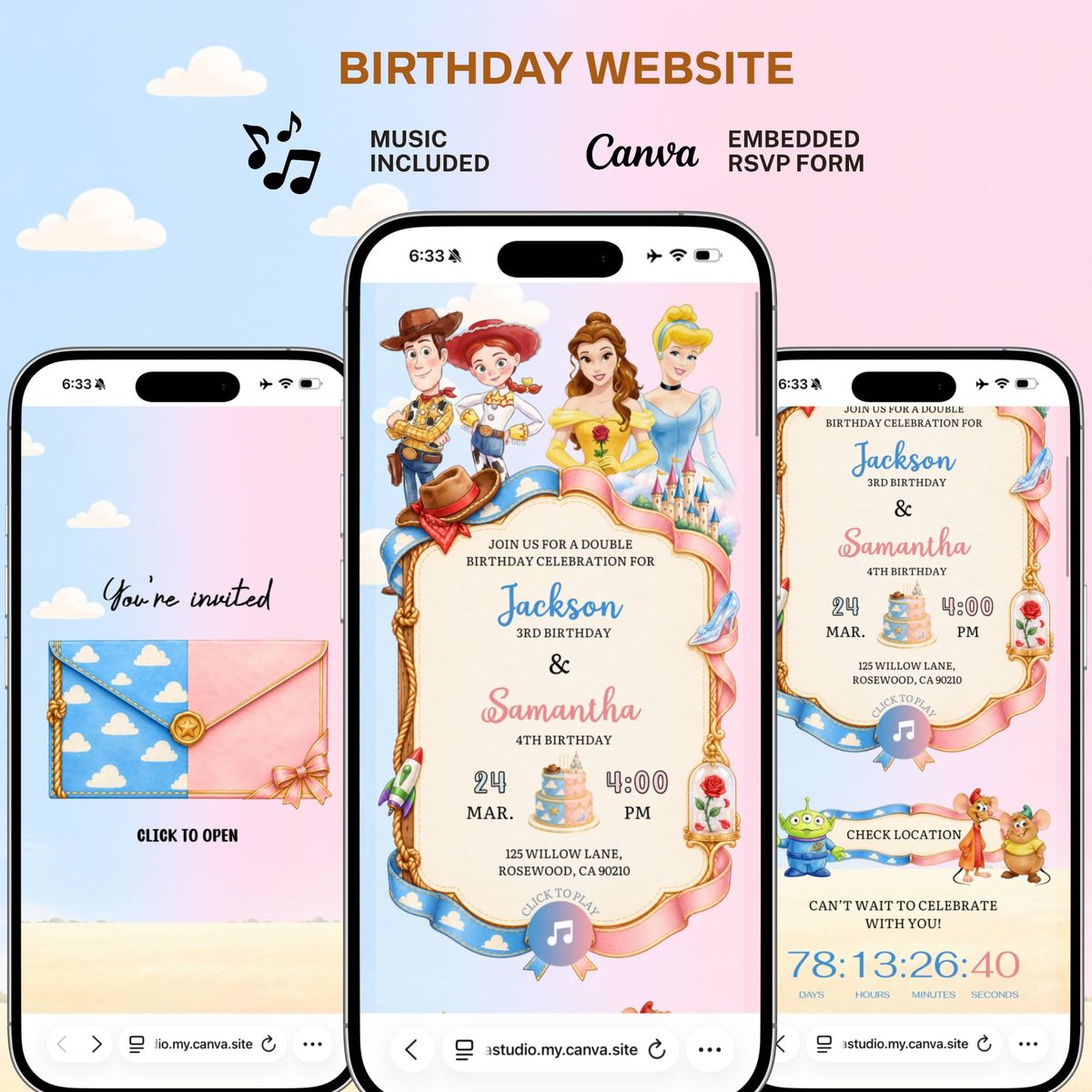
Toy Story and Princess Double Birthday Website Template, Canva Digital Invitation, Kids Birthday Website with Music and RSVP
