

Quinceañera Invitation with RSVP Black | Sweet 16 Website RSVP & Countdown, 15th Birthday English Spanish Black Red Gold Royal
$16.99$30.89

Quinceañera Invitation with RSVP Black | Sweet 16 Website RSVP & Countdown, 15th Birthday English Spanish Black Red Gold Royal

Quinceañera Invitation with RSVP Navy blue gold | Sweet 16 Website RSVP Countdown 15th Birthday English Spanish | Royal Princess Blue

Quinceañera Invitation with RSVP Green | Sweet 16 Website RSVP & Countdown 15th Birthday English Spanish | Royal Princess Emerald Green Gold

Quinceañera Invitation with RSVP Black gold | Sweet 16 Website RSVP Countdown 15th Birthday English Spanish | Royal Princess Dark Black

Quinceañera Invitation with RSVP Burgundy | Sweet 16 Website RSVP & Countdown 15th Birthday English Spanish | Royal Princess Red Gold

Quinceañera Invitation with RSVP Rose Pink | Sweet 16 Website RSVP Countdown 15th Birthday English Spanish | Royal Princess Light Pink Gold

Pink Quinceañera Invitation with RSVP | Sweet 16 Website RSVP & Countdown, 15th Birthday English Spanish Pink Royal Mis 15 anos

Quinceañera Enchanted forest Invitation with RSVP | Lilac Purple Gold 16 Website Editable Trackable RSVP | Royal Fairytale English Spanish

Quinceañera Invitation with RSVP Champagne gold | Sweet 16 Website RSVP Countdown 15th Birthday English Spanish | Royal Princess White

Quinceañera Invitation with RSVP Pink Sage green | Sweet 16 Website RSVP & Countdown 15th Birthday English Spanish | Royal Princess Green

Quinceañera Invitation with RSVP Red & Gold Christmas | Sweet 16 Website + RSVP | 15th Birthday English Spanish | Winter Editable Canva temp

Rose Gold Quinceañera Invitation with RSVP | Sweet 16 Website RSVP & Countdown, 15th Birthday English Spanish Pink Royal Mis 15 anos

Quinceañera Masquerade Invitation with RSVP | Masquerade Birthday Website Editable Trackable RSVP | Black Gold Red Quince English Spanish

Blush Pink Sage Green Quinceañera Invitation with RSVP | Sweet 16 Website RSVP & Countdown, 15th Birthday English Spanish Pink Royal

Quinceañera Alice in Wonderland Invitation with RSVP | Princess Sweet 16 Website Editable RSVP Countdown Light blue English Spanish Fairytale

Quinceañera Invitation with RSVP Light blue | Sweet 16 Website RSVP & Countdown 15th Birthday English Spanish | Royal Princess Cinderella

Quinceañera Invitation with RSVP White Gold Lilac | Sweet 16 Website RSVP Countdown 15th Birthday English Spanish | 15 años Champagne Purple

Quinceañera Invitation with RSVP Blue | Sweet 16 Website RSVP & Countdown, 15th Birthday English Spanish Royal Blue Gold Butterfly

Coraline Inspired Quinceañera Website Invitation | Halloween Quinceañera Invite | Editable Canva Invitation Website with RSVP | Spooky Birthday

Quinceañera Burgundy Gold Invitation with RSVP | Halloween Sweet 16 Website Editable Trackable RSVP | Book of Life Quince English Spanish

Quinceañera Digital Invitation with RSVP | Sweet 16 Website Editable Trackable RSVP & Countdown Birthday English Spanish | Champagne Gold

Quinceañera Digital Invitation with RSVP | Sweet 16 Website Editable Trackable RSVP & Countdown, Blush pink

Quinceañera Invitation with RSVP Blue | Sweet 16 Website RSVP & Countdown, 15th Birthday English Spanish Royal Blue Silver Butterfly

Quinceañera Invitation with RSVP Dusty Blue | Sweet 16 Website RSVP & Countdown, 15th Birthday English Spanish Light Blue | 15 años

Quinceañera Invitation with RSVP Fuchsia | Sweet 16 Website RSVP & Countdown, 15th Birthday English Spanish Fuchsia Magenta Hot Pink

Quinceañera Invitation with RSVP Red & Gold | Sweet 16 Website RSVP Countdown | 15th Birthday English Spanish | Editable Canva Digital

Quinceañera Masquerade Invitation with RSVP | Masquerade Birthday Website Editable Midnight RSVP | Navy Blue Gold Quince English Spanish

Quinceañera Masquerade Invitation with RSVP | Masquerade Birthday Website Editable Trackable RSVP | Black Silver Quince English Spanish
Quinceañera Rapunzel Invitation with RSVP | Tangled Sweet 16 Website Editable Trackable RSVP & Countdown Purple Gold English Spanish

Quinceañera Lavender Invitation with RSVP | Purple Gold 16 Website Editable Trackable RSVP | Fairytale Purple English Spanish

Red Gold Quinceañera Digital Invitation with RSVP | Sweet 16 Website Editable Trackable RSVP & Countdown Birthday English Spanish |

Beauty and the Beast Quinceanera Invitation Website | Red Gold Quince Sweet 16 invitation, Editable Mis Quince 15th Birthday
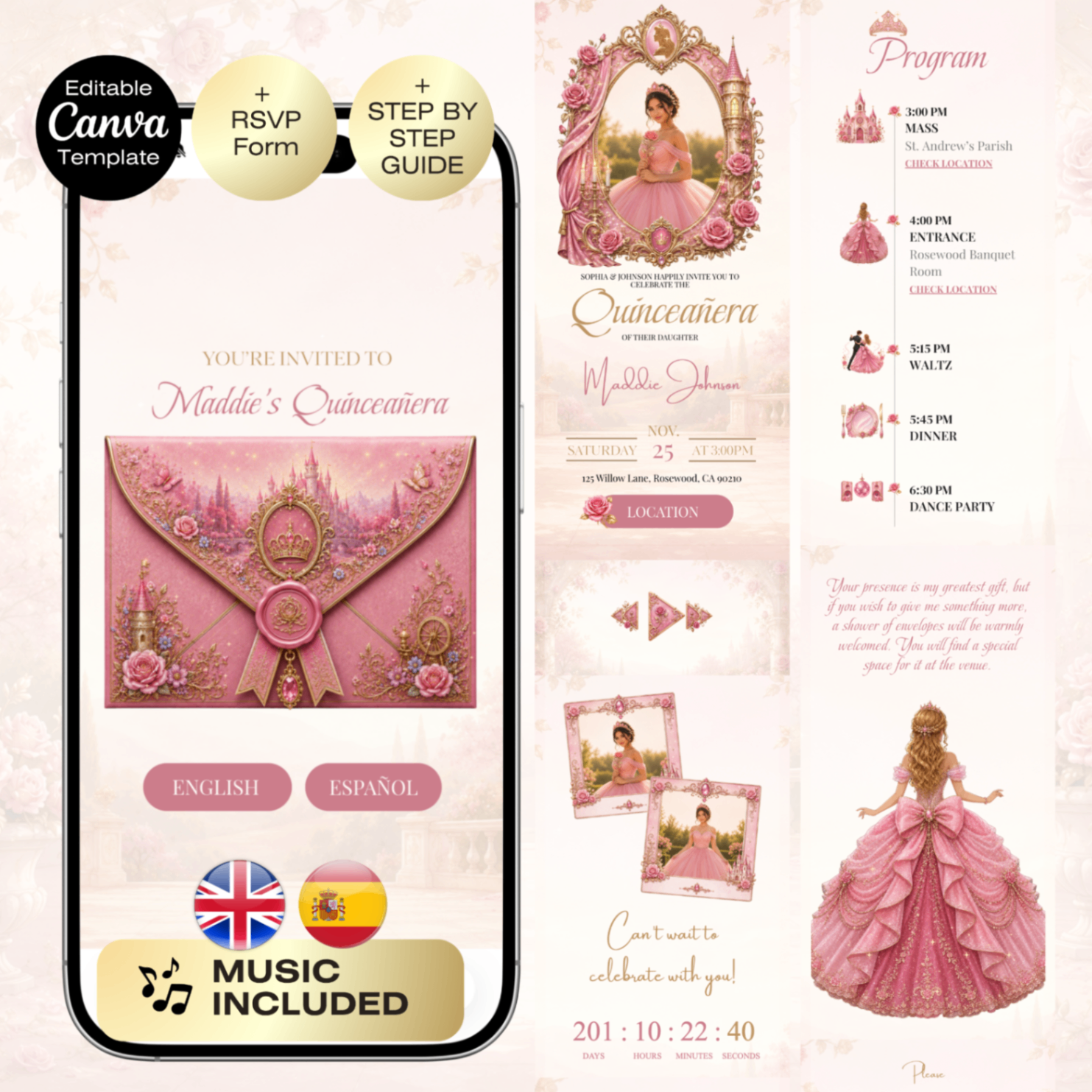
Quinceañera Invitation Sleeping Beauty with RSVP | Pink Rose Sweet 16 Website RSVP & Countdown | Aurora Fairytale Mis Quince English Spanish

Quinceañera Dusty Blue Invitation with RSVP | Winter Blue Gold 16 Website Editable Trackable RSVP | Royal Winterland English Spanish
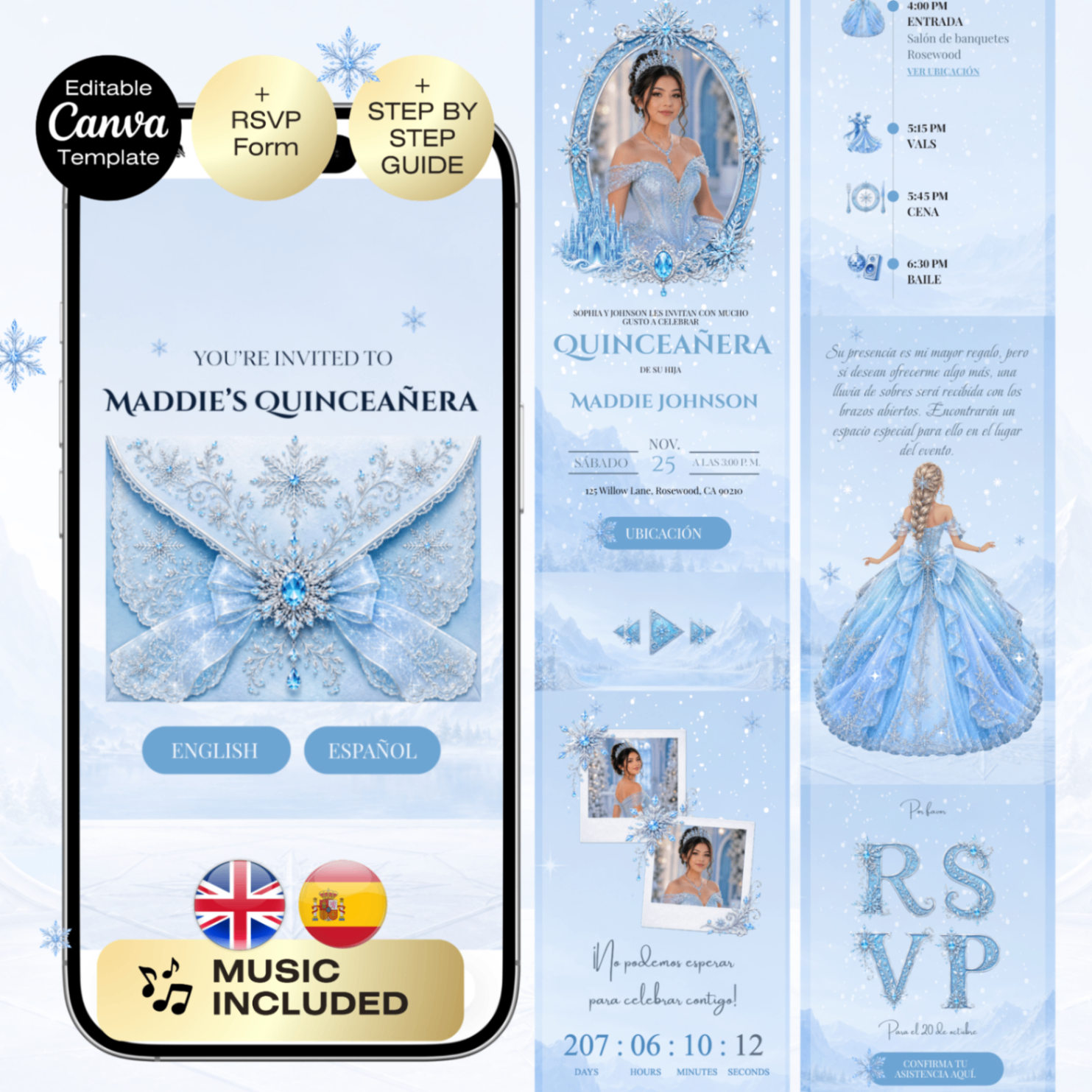
Quinceañera Frozen Invitation with RSVP | Winter Sweet 16 Website Trackable RSVP & Countdown | Snow queen blue silver English Spanish

Quinceañera Emerald Green Silver Enchanted forest Invitation with RSVP | Sweet 16 Website + Trackable RSVP | Fairytale English Spanish

Quinceañera Dusty blue Coastal Invitation with RSVP | Tropical Sweet 16 Website Editable Trackable RSVP | Summer Mis Qui

Quinceañera Enchanted forest Invitation with RSVP | Emerald Green Gold 16 Website Editable Trackable RSVP | Royal Fairytale English Spanish

Quinceañera Enchanted forest Invitation with RSVP | Navy blue Gold 16 Website Editable Trackable RSVP | Royal Fairytale English Spanish
Pink Gold Quinceañera Digital Invitation with RSVP | Sweet 16 Website Editable Trackable RSVP & Countdown, 15th Birthday English Spanish Canva Invite
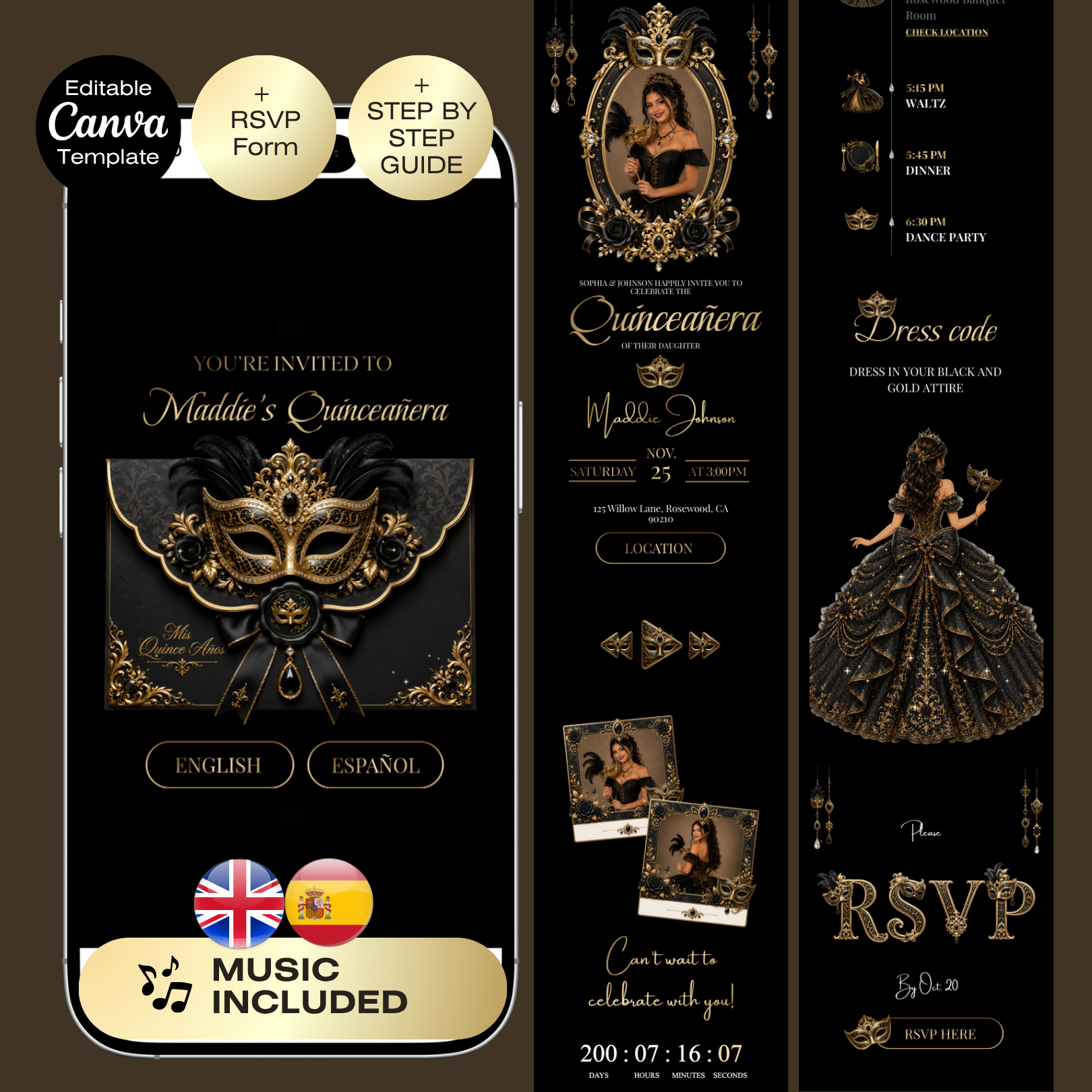
Quinceañera Masquerade Invitation with RSVP | Masquerade Birthday Website Editable Trackable RSVP | Black Gold Quince English Spanish

Quinceañera Invitation with RSVP | Sweet 16 Website Editable Trackable RSVP & Countdown, Ivory gold English Spanish West

Dusty Pink Quinceañera Invitation with RSVP | Sweet 16 Website Editable Trackable RSVP & Countdown Pink Gold English Spanish Western Charro Theme

Under the stars Quinceañera Invitation Royal Navy Blue | Elegant Canva Template | Sweet 15 Invite | Gold Elegant Invitat

Quinceañera Tiana Invitation with RSVP | Princess and the Frog Sweet 16 Website Editable Trackable RSVP & Countdown, Eng

Quinceañera Mermaid Invitation with RSVP | Under the sea 16 Website Editable Trackable RSVP| Princess Ariel Aqua Purple

Quinceañera Snow white Invitation with RSVP | Enchanted Sweet 16 Website Editable Trackable RSVP & Countdown Red Navy bl

Quinceañera Invitation with RSVP | Sweet 16 Website Editable Trackable RSVP & Countdown, Royal Blue English Spanish West

Red & Gold Quinceañera Invitation with RSVP | Sweet 16 Website Editable Trackable RSVP & Countdown, 15th Birthday Charro Spanish We

Quinceañera Invitation with RSVP | Sweet 16 Website Editable Trackable RSVP & Countdown, Navy Blue English Spanish Weste
Still unsure about something? The Joyva assistant is one click away.
You will receive instant access to your editable Canva website template along with detailed instructions on how to customize and publish it.
No. All templates are designed to work with a free Canva account.
Yes. Once added to your Canva account, you can edit it as often as needed.
Absolutely. You can upload your own photos and replace any existing images in the template.
Sign in to Invitarium first, then open Sarah's shared project and make your copy. Double-click the music-player project, replace the audio with an MP3 under 20 MB, and choose Copy link. In Canva, select the music icon, choose Edit link, paste the finished player link, then scale it down to fit the circle.
Select the hidden YouTube frame and increase its transparency so you can see it. Click an empty area so no other element is selected, then paste your YouTube link into the hidden video frame. Canva should embed the video, not add a regular hyperlink. Resize it until its play button sits over the decorative play button, then return its transparency to 0%.
No. Canva websites currently only allow music to play after a visitor clicks the play button.
If you're using a Canva form: Click the form on the Canva editing page, and a horizontal menu will appear at the top with the "Responses" option. You can click it to track all responses there, with the ability to link to a sheet. On mobile, this horizontal menu will be at the bottom.\n\nIf you're using a Google Form: On the same form editing page, you can find the "Responses" tab at the top middle. You can also enable email notifications by clicking on this tab, then the three dots, then enabling email notifications.

