
Quinceañera Rapunzel Invitation with RSVP | Tangled Sweet 16 Website Editable Trackable RSVP & Countdown Purple Gold English Spanish
$16.99$30.89

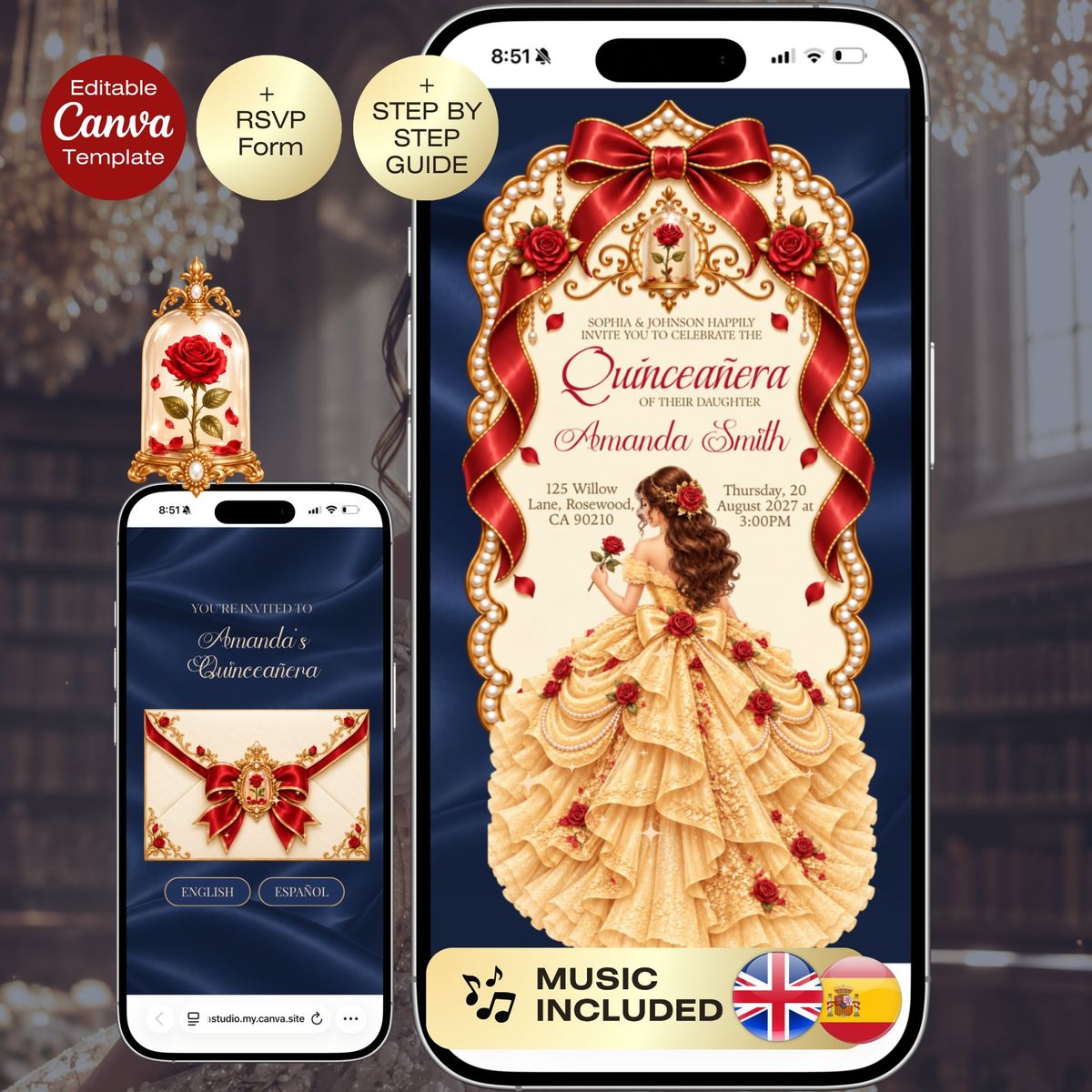
🌹✨ Beauty & the Beast Inspired Quinceañera Website Template | Navy Blue, Yellow & Red | Bilingual English & Spanish Invitation | Envelope Reveal Canva Website | Editable RSVP Template 🔗 Demo Website: 👉 https://joyvastudio.my.canva.site/royal-beauty-and-the-beast-quinceanera ──────────────────────────── 🌹✨ A romantic royal fairytale quinceañera experience inspired by enchanted castles, timeless roses, grand ballroom elegance, and magical storybook celebrations. Celebrate her special day with this Beauty & the Beast inspired bilingual quinceañera website template, designed with deep navy blue, rich yellow and gold tones, elegant red accents, delicate rose details, and an enchanting royal atmosphere inspired by a magical castle ballroom. This interactive digital invitation creates a beautiful experience for your guests from the very first moment. Guests begin with an elegant envelope reveal, choose their preferred language, then enter a fully designed invitation experience created in both English and Spanish. No printing. No stress. Just one magical link to share with everyone. ──────────────────────────── ✨ Website Structure 1️⃣ Envelope Reveal + Language Selection • Elegant enchanted fairytale inspired envelope opening • Navy blue, yellow, gold, and red details • Delicate rose and royal inspired accents • English and Español selection buttons • Magical first impression for guests 2️⃣ English Invitation Page • Welcome message • Quinceañera details • Program timeline • Countdown timer • Photo section • Music player • RSVP button • Location section and notes 3️⃣ Spanish Invitation Page • Complete Spanish invitation experience • Programa y detalles • RSVP • Countdown • Ubicación y celebración Each page is beautifully designed to feel immersive, romantic, elegant, and magical. ──────────────────────────── ✔️ What’s Included • Editable Canva Website Template • Envelope Reveal Opening Experience • English + Spanish Invitation Pages • Editable Google Form RSVP • Countdown Timer • Music Player Section • Mobile Friendly Design • Instant Digital Download • Step by Step Guide Everything is easy to edit directly in Canva. No experience needed. ──────────────────────────── 🎨 Design Style • Beauty & the Beast inspired fairytale aesthetic • Deep navy blue, rich yellow, gold, and romantic red palette • Enchanted castle and royal ballroom atmosphere • Elegant red rose inspired details • Romantic storybook styling • Ornate gold frames and sophisticated accents • Luxurious feminine typography • Warm, magical glow throughout the design Perfect for fairytale quinceañeras, princess inspired celebrations, navy blue and yellow quince themes, enchanted rose celebrations, royal ballroom parties, and elegant magical events. ──────────────────────────── 💻 How It Works Purchase the template Download your access PDF Open the template in Canva Edit text, photos, music, and RSVP Publish your website Share your link with guests Your guests simply open the link, choose their language, and RSVP online. ──────────────────────────── 🌹 Perfect For • Beauty & the Beast inspired quinceañeras • Enchanted rose themes • Navy blue, yellow, gold, and red quince themes • Bilingual families • English and Spanish guest lists • Elegant fairytale celebrations • Royal ballroom inspired events • Paperless invitations • Modern digital invitations with RSVP ──────────────────────────── 🔒 Terms of Use & Disclaimer • Instant digital download. No physical product will be sent • Personal use only. Do not resell, share, copy, or redistribute this template • This is an independently created, fairytale-inspired design and is not an official or licensed product • Joyva Studio does not claim ownership of any third-party characters, names, trademarks, or intellectual property that may have inspired this design • All third-party trademarks, characters, and related intellectual property belong to their respective owners • Joyva Studio is not affiliated with, endorsed by, or sponsored by any third-party rights holders • Original template layouts, compositions, and original design elements created by Joyva Studio remain the property of Joyva Studio • Purchase does not transfer ownership or copyright of Joyva Studio’s original work • No refunds due to the nature of digital products ──────────────────────────── Create an enchanting and unforgettable fairytale experience for your guests from the very first click. I accept custom orders. Feel free to message me.
Your guests open one link with the story, event details, RSVP, gallery and directions. Everything looks great on a phone.
Open full screen demoSome interactive features like the RSVP form only work in the full demo. Open it here
Still unsure about something? The Joyva assistant is one click away.
You will receive instant access to your editable Canva website template along with detailed instructions on how to customize and publish it.
No. All templates are designed to work with a free Canva account.
Yes. Once added to your Canva account, you can edit it as often as needed.
Absolutely. You can upload your own photos and replace any existing images in the template.
Sign in to Invitarium first, then open Sarah's shared project and make your copy. Double-click the music-player project, replace the audio with an MP3 under 20 MB, and choose Copy link. In Canva, select the music icon, choose Edit link, paste the finished player link, then scale it down to fit the circle.
Select the hidden YouTube frame and increase its transparency so you can see it. Click an empty area so no other element is selected, then paste your YouTube link into the hidden video frame. Canva should embed the video, not add a regular hyperlink. Resize it until its play button sits over the decorative play button, then return its transparency to 0%.
No. Canva websites currently only allow music to play after a visitor clicks the play button.
If you're using a Canva form: Click the form on the Canva editing page, and a horizontal menu will appear at the top with the "Responses" option. You can click it to track all responses there, with the ability to link to a sheet. On mobile, this horizontal menu will be at the bottom.\n\nIf you're using a Google Form: On the same form editing page, you can find the "Responses" tab at the top middle. You can also enable email notifications by clicking on this tab, then the three dots, then enabling email notifications.
Quinceañera Rapunzel Invitation with RSVP | Tangled Sweet 16 Website Editable Trackable RSVP & Countdown Purple Gold English Spanish
Pink Gold Quinceañera Digital Invitation with RSVP | Sweet 16 Website Editable Trackable RSVP & Countdown, 15th Birthday English Spanish Canva Invite
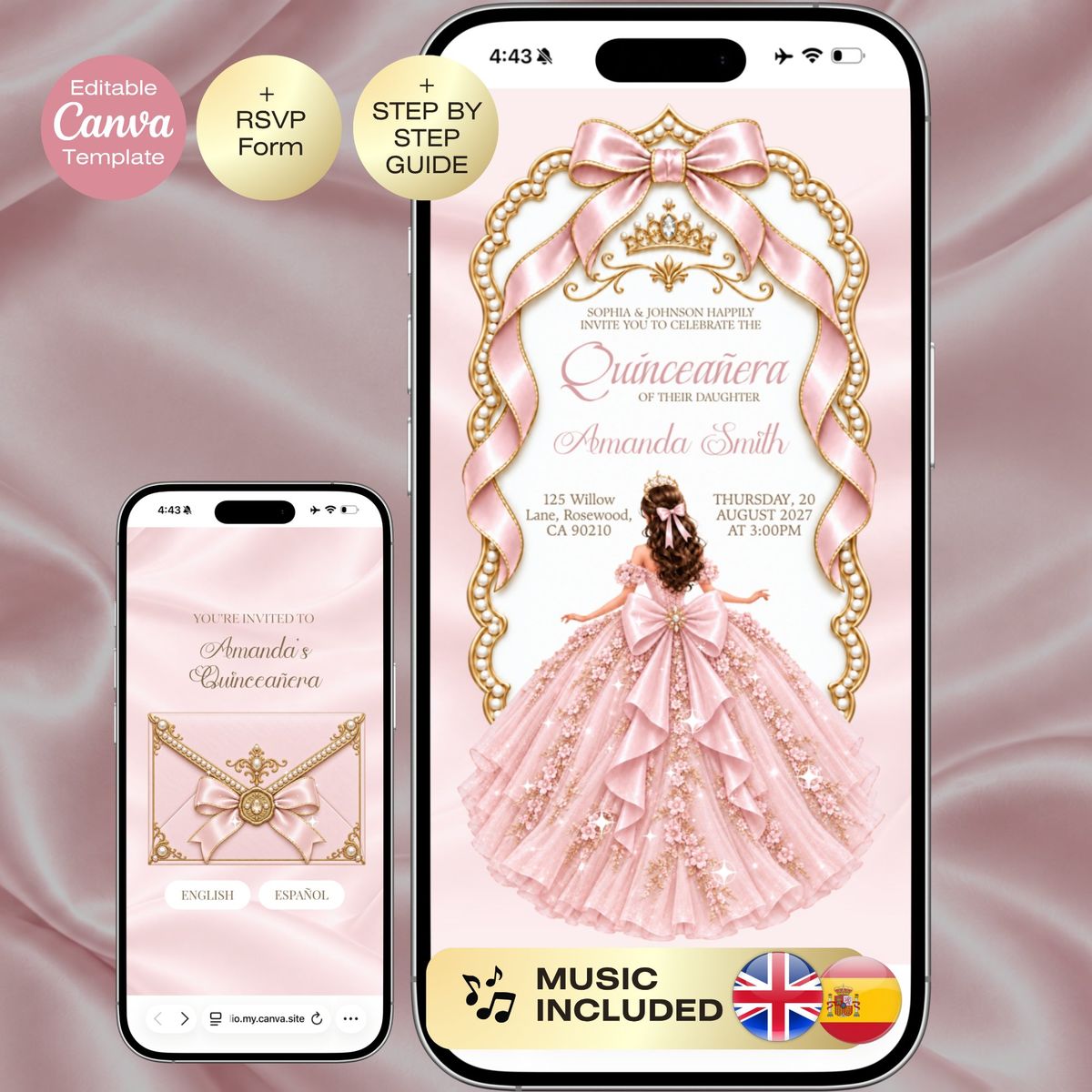
Blush Pink Quinceañera Invitation with RSVP | Sweet 16 Website RSVP & Countdown, 15th Birthday English Spanish Pink Gold Royal Mis 15 anos
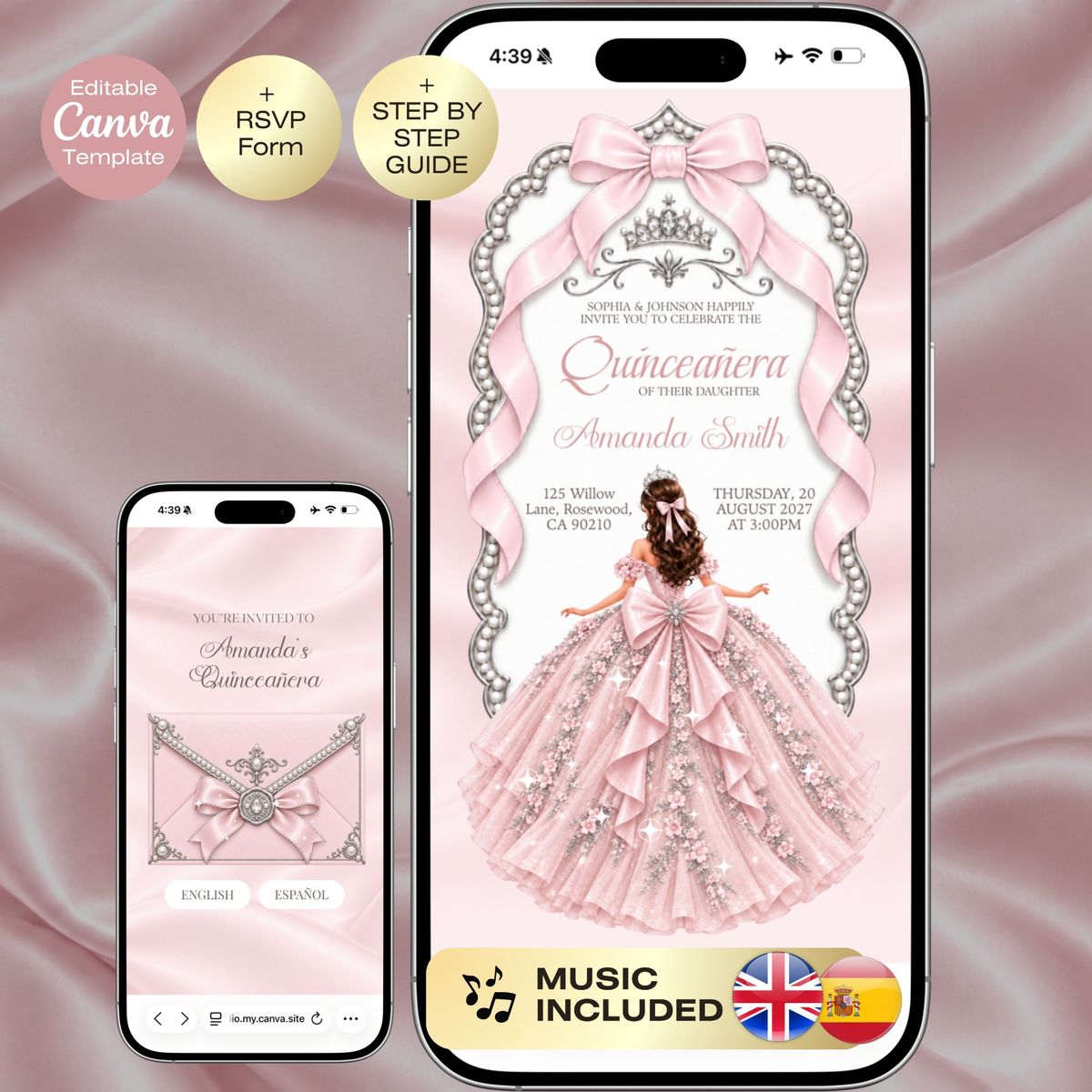
Blush Pink Quinceañera Invitation with RSVP | Sweet 16 Website RSVP & Countdown, 15th Birthday English Spanish Pink Silver Royal Mis 15 anos
