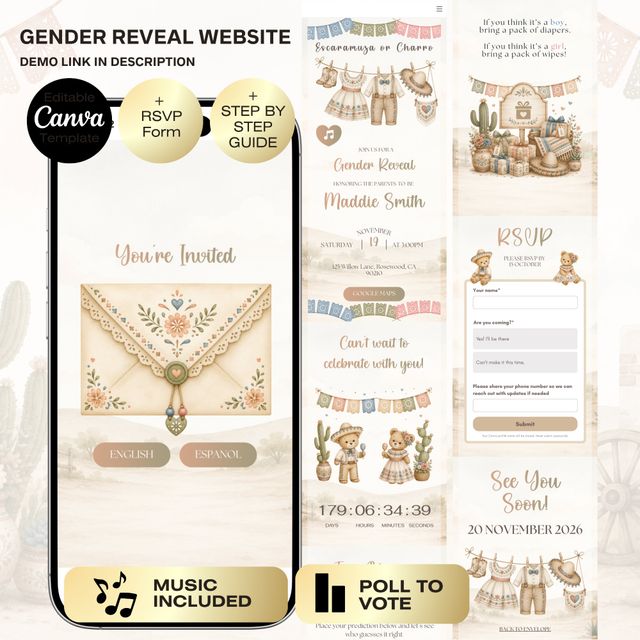
Mexican Gender Reveal Invitation | Canva Website Template | Fiesta Gender Reveal | Charro & Escaramuza Baby Reveal | Boy or Girl Western
$13.60

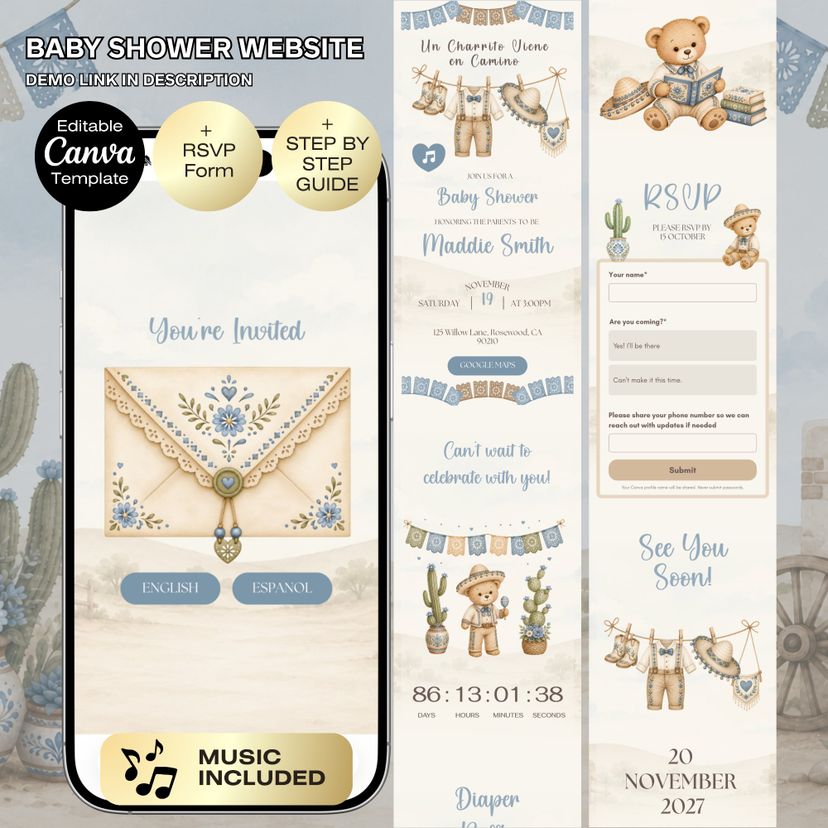
🌵 Un Charrito Viene en Camino Baby Shower Website Template | Mexican Boy Baby Shower Invitation | Cielito Lindo Theme 🔗 Demo Website: Take a look at the live demo before you buy: 👉 https://joyvastudio.my.canva.site/mexican-baby-shower ──────────────────────────── ¡Un charrito viene en camino! 🤠💙 Celebrate your little charrito on the way with a beautiful Mexican-inspired baby shower website invitation! Featuring a charming Cielito Lindo theme, traditional Mexican details, adorable charro-inspired decorations, and festive accents, this digital invitation brings a sweet touch of Mexican culture to your special celebration. Personalize your website with your baby shower details, photos, gift registry, RSVP form, venue information, and favorite music. Once finished, simply share one beautiful link with family and friends. No printing, apps, or coding needed. ──────────────────────────── ✨ **Perfect For** • Un Charrito Viene en Camino Baby Shower • Mexican Boy Baby Shower • Cielito Lindo Baby Shower • Charrito Baby Shower Theme • Mexican Fiesta Baby Shower • Little Charro Baby Shower • Vaquero Baby Shower • Baby Shower de Niño • Mexican Western Baby Shower ──────────────────────────── ✔️ **What's Included** • 100% Editable Canva Website Template • Beautiful Mobile-Friendly Invitation • RSVP Form or External RSVP Link • Event Details & Location Section • Google Maps Location Button • Gift Registry Section • Countdown to the Baby Shower • Background Music Option • Personalized Photos & Text • Free Canva-Hosted Website Link • Step-by-Step Editing Instructions • Instant Digital Download ──────────────────────────── 🎨 **Style & Theme** • Traditional Mexican-inspired baby shower aesthetic • Adorable little charrito and western-inspired details • Charming Cielito Lindo celebration theme • Festive Mexican decorative accents • Sweet and playful design for a baby boy • Beautifully coordinated sections for a seamless website experience ──────────────────────────── 💻 **How It Works** 1. Purchase this digital invitation template. 2. Download the PDF containing your Canva template link and instructions. 3. Open the template in Canva using a free account. 4. Customize the text, colors, photos, and event details. 5. Publish your website for free through Canva. 6. Share your invitation link with your guests! ──────────────────────────── 💌 **Make It Yours** Everything is designed to be easy to personalize, even if you've never used Canva before. Add your baby boy's name, update the event information, include your favorite song, and create a memorable invitation that celebrates your growing family. ──────────────────────────── 📌 **Please Note** • This is a digital product. No physical item will be shipped. • A free Canva account is all you need. • The template is editable and reusable for your personal event. • Music, RSVP forms, and external links may require simple setup. • Due to the digital nature of this product, refunds are not available after purchase. ──────────────────────────── © **Joyva Studio | Terms of Use** This template is for personal use only. Reselling, redistributing, sharing, or claiming the design as your own is strictly prohibited. Thank you for choosing Joyva Studio to celebrate your little charrito! 🤠💙
Your guests open one link with the story, event details, RSVP, gallery and directions. Everything looks great on a phone.
Open full screen demo
Some interactive features like the RSVP form only work in the full demo. Open it here
Still unsure about something? The Joyva assistant is one click away.
You will receive instant access to your editable Canva website template along with detailed instructions on how to customize and publish it.
No. All templates are designed to work with a free Canva account.
Yes. Once added to your Canva account, you can edit it as often as needed.
Absolutely. You can upload your own photos and replace any existing images in the template.
Sign in to Invitarium first, then open Sarah's shared project and make your copy. Double-click the music-player project, replace the audio with an MP3 under 20 MB, and choose Copy link. In Canva, select the music icon, choose Edit link, paste the finished player link, then scale it down to fit the circle.
Select the hidden YouTube frame and increase its transparency so you can see it. Click an empty area so no other element is selected, then paste your YouTube link into the hidden video frame. Canva should embed the video, not add a regular hyperlink. Resize it until its play button sits over the decorative play button, then return its transparency to 0%.
No. Canva websites currently only allow music to play after a visitor clicks the play button.
If you're using a Canva form: Click the form on the Canva editing page, and a horizontal menu will appear at the top with the "Responses" option. You can click it to track all responses there, with the ability to link to a sheet. On mobile, this horizontal menu will be at the bottom.\n\nIf you're using a Google Form: On the same form editing page, you can find the "Responses" tab at the top middle. You can also enable email notifications by clicking on this tab, then the three dots, then enabling email notifications.
Mexican Gender Reveal Invitation | Canva Website Template | Fiesta Gender Reveal | Charro & Escaramuza Baby Reveal | Boy or Girl Western
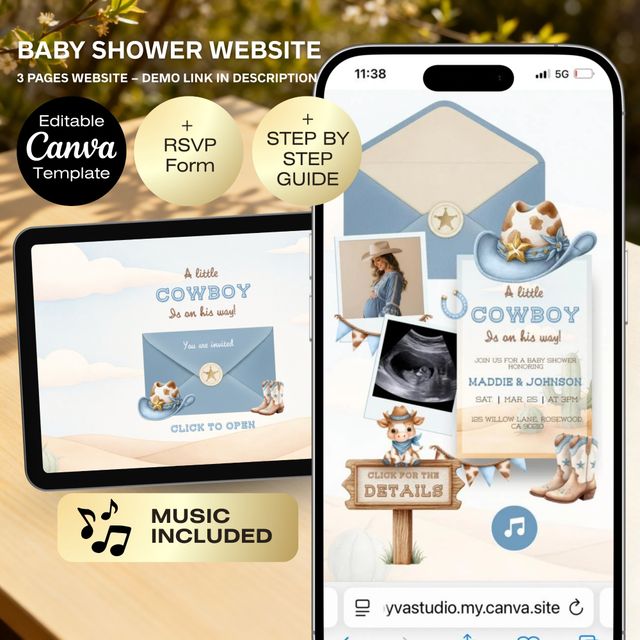
Cowboy baby shower Invitation website + RSVP | Cowboy Western Baby Shower Invite | Wild west blue Baby Shower | Envelope reveal template
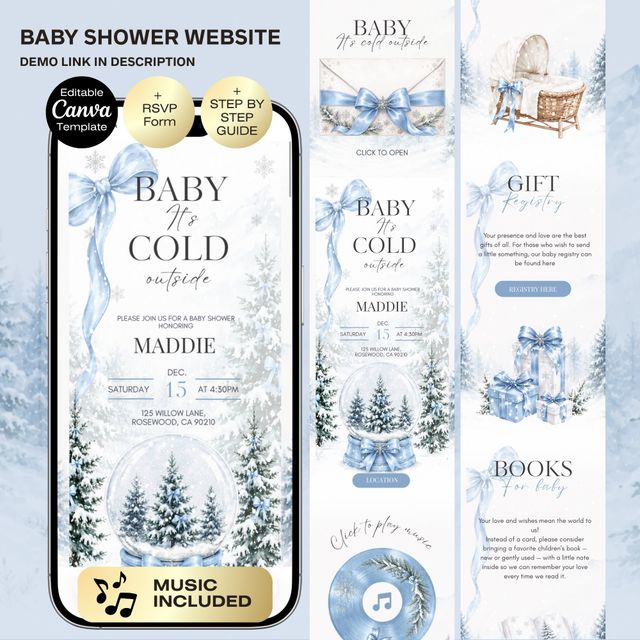
Baby it's cold outside Baby Shower Invitation Website with RSVP | Winter Blue | A Little Snowflake boy Baby Shower | Christmas baby shower
A Little Pumpkin Is On The Way Baby Shower Website Invitation | Baby boy Fall Baby Shower Invite | Editable Canva Website with RSVP