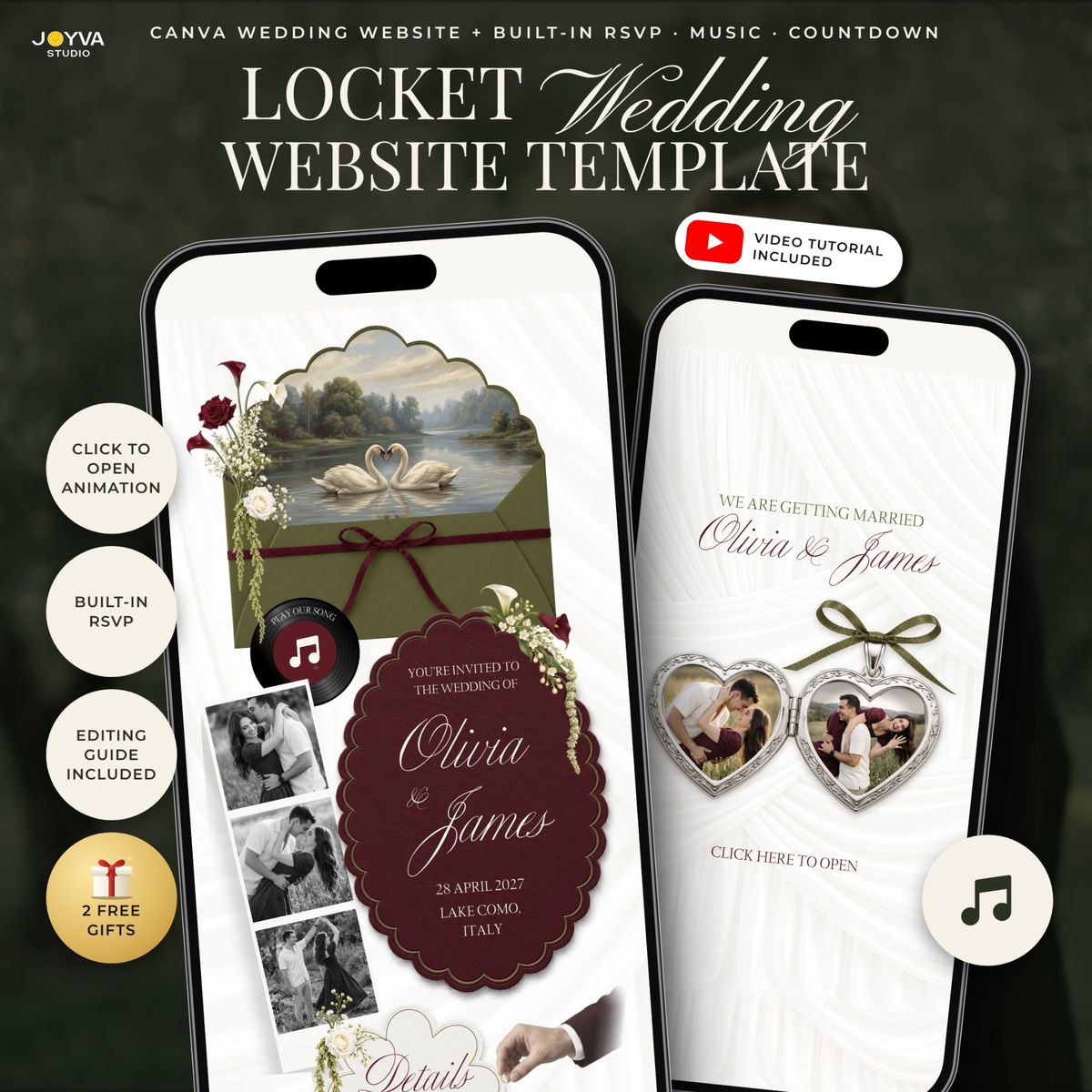
Olive Green Burgundy Wedding Website with RSVP, Swan Canva Wedding Invitation Website Template, Music, Countdown and Locket, Garden Evite
$15.99$29.07

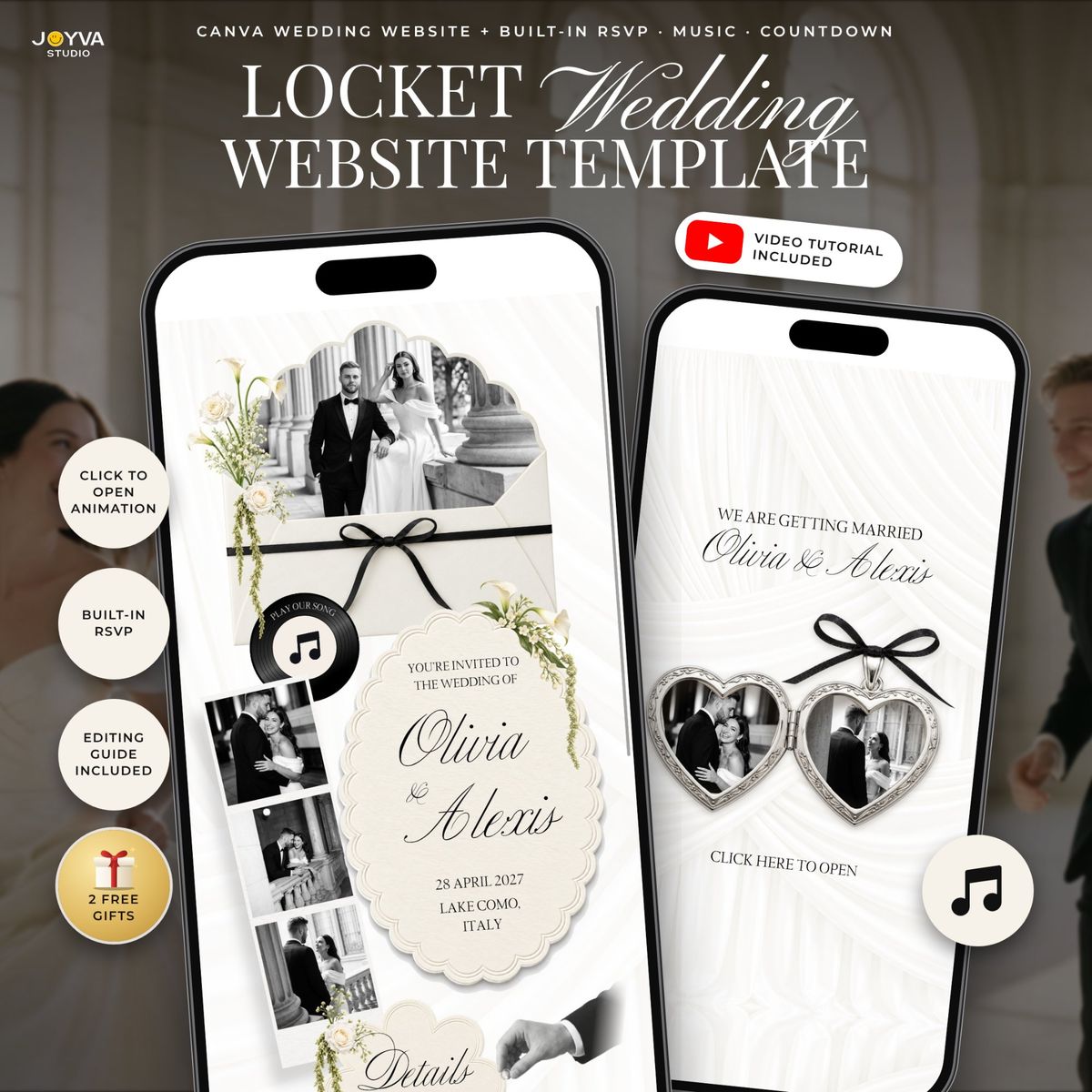
Ivory Wedding Website Canva Template with RSVP, music and a live countdown. Give your guests one beautiful link with your invitation, your song and your RSVP form, and edit it all yourself in Canva for free. ✨ TRY THE LIVE DEMO BEFORE YOU BUY https://joyvastudio.my.canva.site/ivory-wedding-website Open it on your phone or computer to see exactly what your guests will see: the locket, music, countdown and RSVP. 💛 WHAT MAKES IT SPECIAL • Opens like a real silver locket: guests tap to reveal your photo • Your own song plays with the music button • Live countdown to your big day • RSVP built in: use the Canva form, or our Google Form if you like replies in a spreadsheet • Your love story, schedule, venue, map, hotels, dress code, registry and FAQ • Everything in ONE link, edited in ONE place. No extra apps, no back and forth. • Beautiful on phones, tablets and computers 🎁 2 FREE GIFTS INCLUDED 1. A thank-you video template to send your guests after the wedding 2. 126 hand-drawn wedding icons for your program, schedule and signs 📘 EASY, EVEN IF YOU'VE NEVER MADE A WEBSITE • Step-by-step setup guide (PDF) for computer and phone • Full video tutorial on YouTube • Works with a FREE Canva account. No Canva Pro needed. • No design or coding skills needed • Editing instructions included ✅ GOOD TO KNOW • Unlimited number of guests • No extra fees and no subscription. Publish for free on Canva. • Share it by text, WhatsApp, email, social media or a QR code on printed cards • Instant digital download. Nothing physical will be shipped. 📦 WHAT YOU RECEIVE One PDF with all your links: • Ivory wedding website template (Canva) • Setup guide and video tutorial • Buyer kit for the music, countdown, photos and locket • Google Form RSVP (optional) • Link preview picture, so your link looks lovely when you send it • Your 2 free gifts 🪄 HOW IT WORKS 1. Buy and download your PDF 2. Open the template in Canva 3. Add your names, photos, details and song 4. Publish for free 5. Send your link to your guests 💌 NO TIME TO EDIT? We can do it for you. Add our Edit It For You service: https://joyvastudio.etsy.com/listing/4401408804 ⭐ Trusted by 8k+ buyers, with a 4.9 star rating. PLEASE NOTE • This is a digital template. Because it's a digital item, we can't offer refunds, but we're always happy to help. Just send us a message. • Colors may look slightly different on different screens. • For personal use only. Please don't resell or share the template. With love, Joyva Studio 🔎 SEARCH KEYWORDS wedding website template, canva wedding website, wedding website with rsvp, wedding invitation website, digital wedding invitation, online wedding invitation, wedding evite, electronic wedding invitation, mobile wedding invitation, interactive wedding invitation, wedding rsvp website, wedding invite with music, wedding countdown website, editable wedding template, diy wedding website, paperless wedding invitation, ivory wedding invitation, elegant wedding website, minimalist wedding website, vintage wedding invitation © 2026 Joyva Studio. All rights reserved.
Your guests open one link with the story, event details, RSVP, gallery and directions. Everything looks great on a phone.
Open full screen demoSome interactive features like the RSVP form only work in the full demo. Open it here
Still unsure about something? The Joyva assistant is one click away.
You will receive instant access to your editable Canva website template along with detailed instructions on how to customize and publish it.
No. All templates are designed to work with a free Canva account.
Yes. Once added to your Canva account, you can edit it as often as needed.
Absolutely. You can upload your own photos and replace any existing images in the template.
Sign in to Invitarium first, then open Sarah's shared project and make your copy. Double-click the music-player project, replace the audio with an MP3 under 20 MB, and choose Copy link. In Canva, select the music icon, choose Edit link, paste the finished player link, then scale it down to fit the circle.
Select the hidden YouTube frame and increase its transparency so you can see it. Click an empty area so no other element is selected, then paste your YouTube link into the hidden video frame. Canva should embed the video, not add a regular hyperlink. Resize it until its play button sits over the decorative play button, then return its transparency to 0%.
No. Canva websites currently only allow music to play after a visitor clicks the play button.
If you're using a Canva form: Click the form on the Canva editing page, and a horizontal menu will appear at the top with the "Responses" option. You can click it to track all responses there, with the ability to link to a sheet. On mobile, this horizontal menu will be at the bottom.\n\nIf you're using a Google Form: On the same form editing page, you can find the "Responses" tab at the top middle. You can also enable email notifications by clicking on this tab, then the three dots, then enabling email notifications.
Olive Green Burgundy Wedding Website with RSVP, Swan Canva Wedding Invitation Website Template, Music, Countdown and Locket, Garden Evite
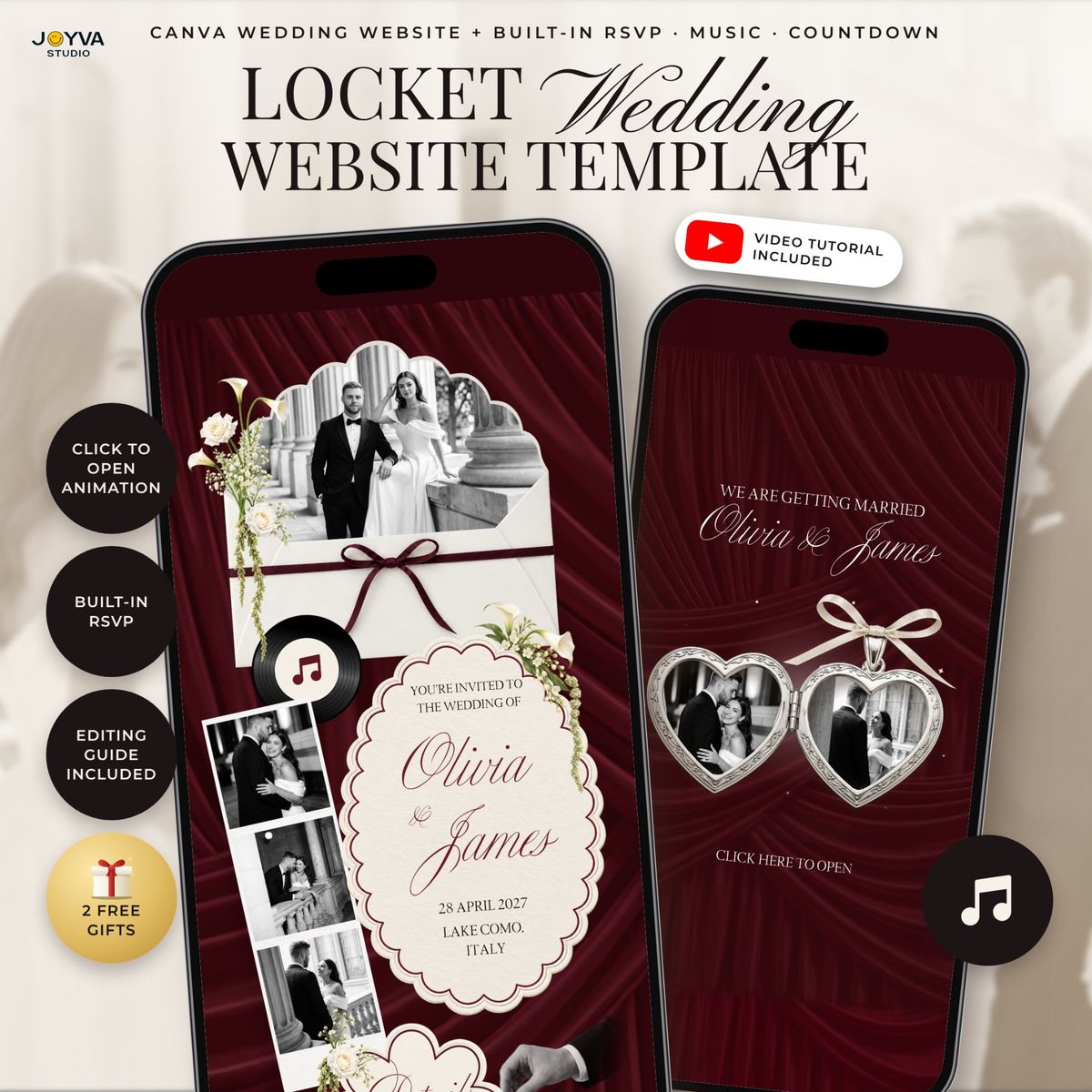
Burgundy Wedding Website Template with RSVP, Wine Red Canva Wedding Invitation Website with Music, Countdown and Photo Locket, Fall Evite

Ivory White Wedding Website Canva Template with RSVP | Music + RSVP Old money Wedding invitation | Luxury Envelope Beige Gold White

Winter wonderland Wedding Website Canva Template with RSVP | Music + RSVP Snow Wedding invitation | Luxury Mailbox Animated Deep Green